 ScrollFit
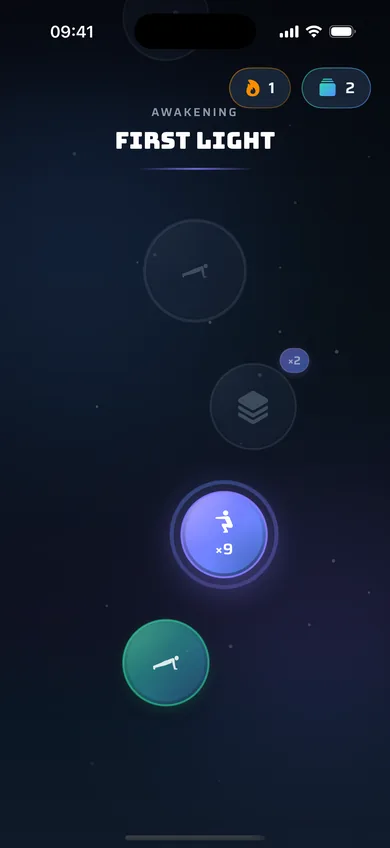
Quests
Every rep moves you along a quest path. Finish missions, unlock new stages and keep your streak alive.
ScrollFit locks the apps that eat your day. To open them, do a quick set of push-ups or squats. Your camera counts every rep, right on your phone.
Rated 4.7 on the App Store · iPhone and Android
How it works
Pick the apps that pull you in, or allow only the ones you need and lock everything else.
Start a lock in one tap, or let schedules lock your phone at night and during work.
Do your reps in front of the camera. Take a short break, or unlock until the next lock.
The block
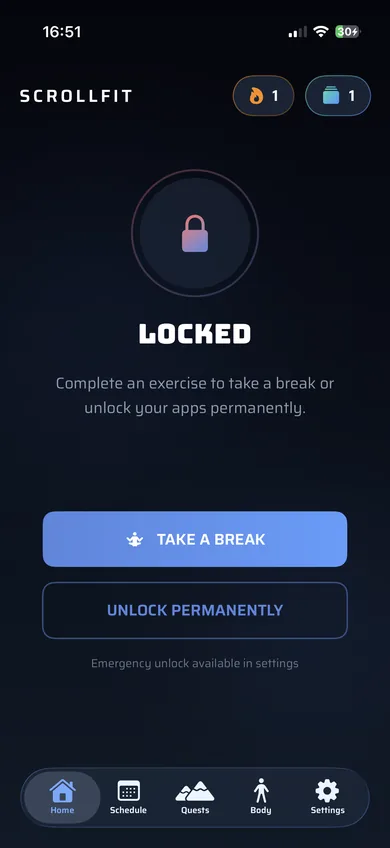
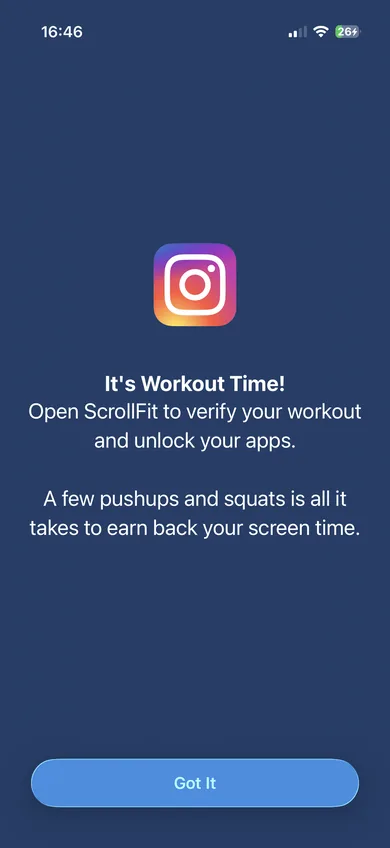
When you open a locked app, ScrollFit steps in and asks for a quick set first. There's no skip button. A few push-ups are all it takes to earn your time back.
5 exercises
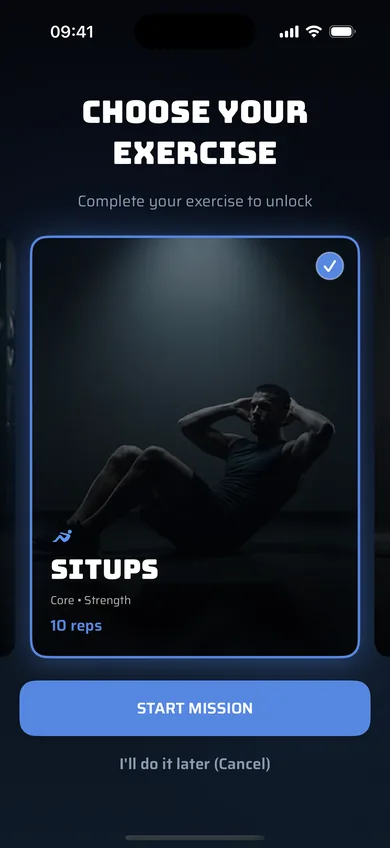
Push-ups, squats, sit-ups, plank or squat hold. Set the reps or the hold time for each one, then choose at unlock time.
Schedules
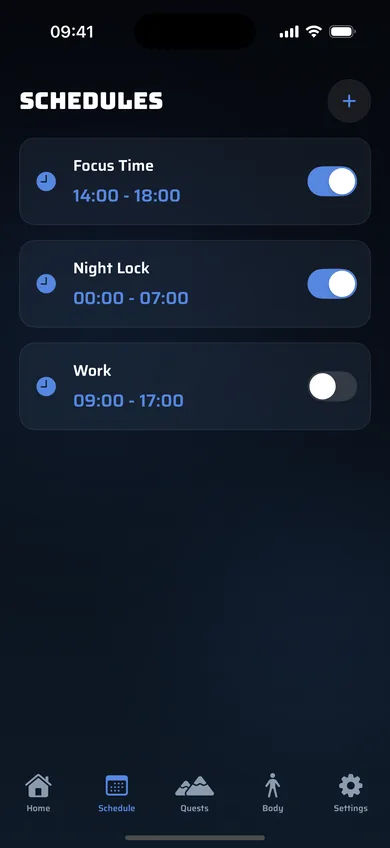
Night Lock until 7 am, Focus Time from 2 to 6 pm, Work on weekdays. Schedules lock your apps by themselves, even across midnight.
Keep going
Every rep moves you along a quest path. Finish missions, unlock new stages and keep your streak alive.
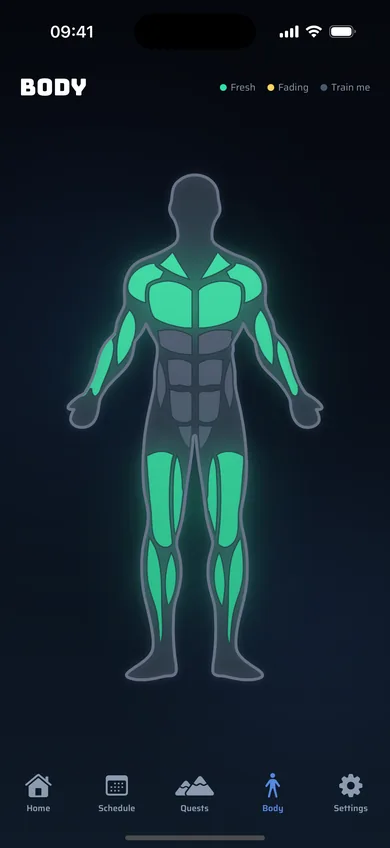
Watch the muscles you train light up on your body map, with your reps and locked time over the weeks.
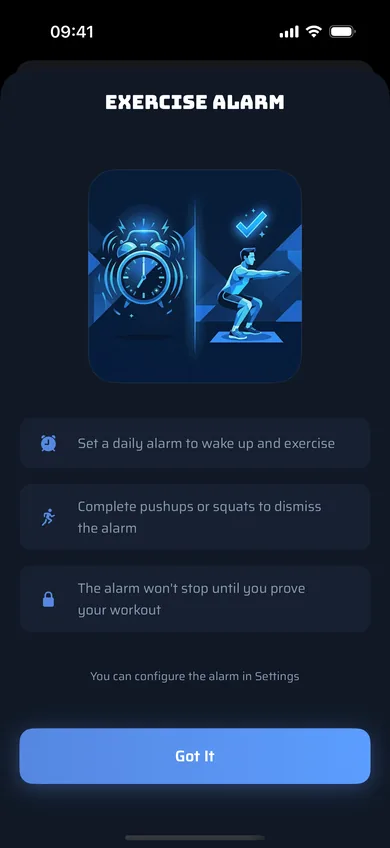
A morning alarm that only stops when you've done your push-ups or squats. No snooze.
Private by design
FAQ
On iPhone, ScrollFit uses Apple's Screen Time, so blocked apps stay blocked even when ScrollFit is closed. On Android, it uses the accessibility service and usage access to see which app is opening and shows the workout screen instead.
No. The camera is only on during an exercise, and the pose detection runs entirely on your phone. Nothing is recorded or sent anywhere.
A break gives you 1 to 30 minutes, then the lock comes back by itself. An unlock ends the current lock until the next scheduled one. Both need a set of reps.
Put your phone where it can see your whole body, in good light. For push-ups, place it on the floor in front of your head.
ScrollFit is free to download. To use it you need a subscription or a one-time lifetime purchase, billed by the App Store or Google Play. The app shows the plans and prices before you pay.
Get ScrollFit and make your screen time pay for itself in reps.